NVDA Add-on, Python, Automation
Stream-Ripper
NVDA Add-on for Accessible Audio Stream Workflows
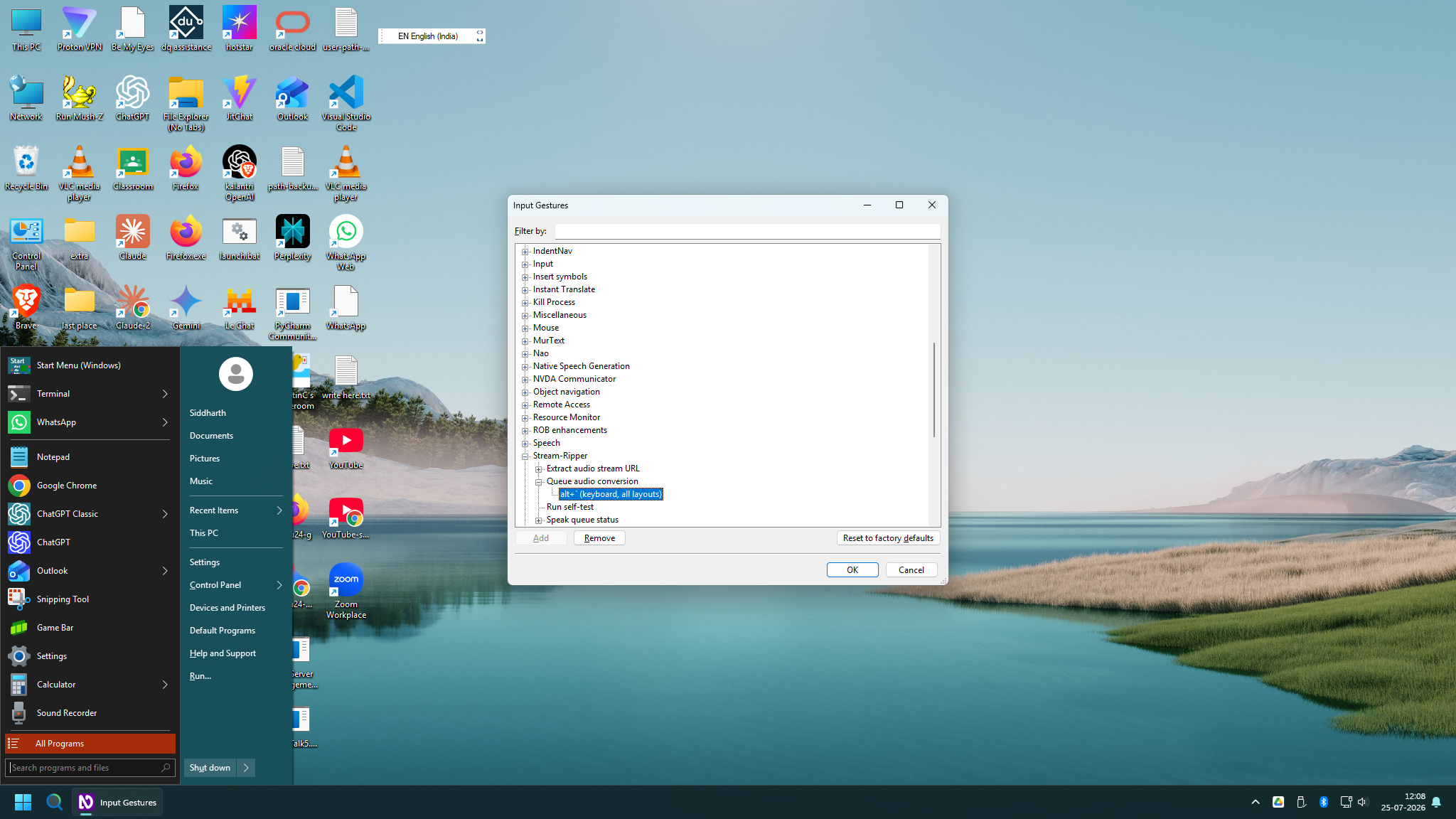
Stream-Ripper gives screen-reader users a keyboard-driven workflow for extracting and converting supported online audio streams.
Status: Open source utility
Problem
Audio extraction workflows often require command-line tools and manual steps that are not designed around screen-reader productivity.
Solution
The add-on monitors supported URLs, manages extraction and conversion tasks, and announces progress through NVDA.
Architecture
- NVDA add-on code runs inside the screen reader environment.
- Clipboard monitoring detects supported media links.
- yt-dlp extracts audio streams.
- FFmpeg handles optional conversion and output formats.
Technologies
Python
NVDA Add-on API
yt-dlp
FFmpeg
wxPython
JSON Configuration
Windows
Accessibility Review
- Full keyboard navigation.
- Screen-reader announcements for status and progress.
- Accessible settings dialog and native NVDA integration.
Challenges
- Managing background conversion tasks.
- Integrating external tools without making users work in the command line.
- Keeping progress feedback clear for screen-reader users.
Skills Demonstrated
- Python development
- NVDA extension development
- Audio processing
- Automation
- Accessible desktop UI
Outcome
The project demonstrates how accessibility and automation can reduce friction in everyday media workflows.
Future Improvements
- Add more output profiles.
- Improve queue reporting.
- Document supported URL patterns more fully.